Seamless User Authentication
Secure authentication with Curity's hypermedia API enabling browser-less login.
The Perfect Match for Single Page Applications
Easy, integrated login - users never leave your site
No need to change the client when authentication requirements change
Instant requests with no full page reloads
A Streamlined User Experience

Secure multi-factor authentication done within the app

Your customer never leaves your brand

Easy user login from any device or browser
Common Use Cases
API-driven authentication facilitating seamless user experiences on any device or browser.
Mobile Apps

Client Application



Authentication API
API/Resource Server
On mobile platforms, user login and authentication can be done without leaving the app or using a browser. Client attestation ensures it’s secure and the API only communicates with a genuine client (app).
Single Page Applications (SPA)

Client Application
Authentication API
API/Resource Server
With Curity’s authentication API your users can log in securely directly on the site. Requests are instant so there is no need for full page reloads.
App2App Login
Client Application
Login Application
Authentication API
API/Resource Server
Start the login flow from yours or a third-party app. Then, seemlessly jump to a login app. There, the user logs in (e.g., using a PIN code). Then, the user seamlessly jumps back, a pattern commonly known as app2app login.
Why Curity Authentication API?

OAuth & OpenID Connect compliant

Client attestation for increased security

No browser required
Full Control over Every Step in the Authentication Flow
The hypermedia API gives you the power to customize your users’ login experience and ensure the customer journey is optimal and in line with your brand.

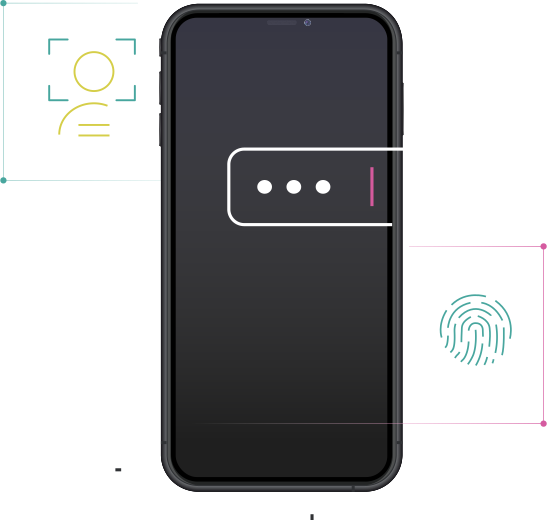
True Native Mobile Experiences
Easily integrate with native components to authenticate users inside the app, making the login experience secure, consistent and simple.
SDKs Available for iOS, Android and Web
Easy to use SDKs to help developers build more secure integrations and deploy apps and services faster.

Authenticators
Use of the many established authentication methods available or build your own using our SDK.
Explore Authenticators
Actions
Orchestrate what happens after the credentials are verified but before the session is committed using authentication actions.
Explore Actions
Branding
User-facing screens can be customzed to match your brand or you can use pre-existing templates.
Explore Branding